
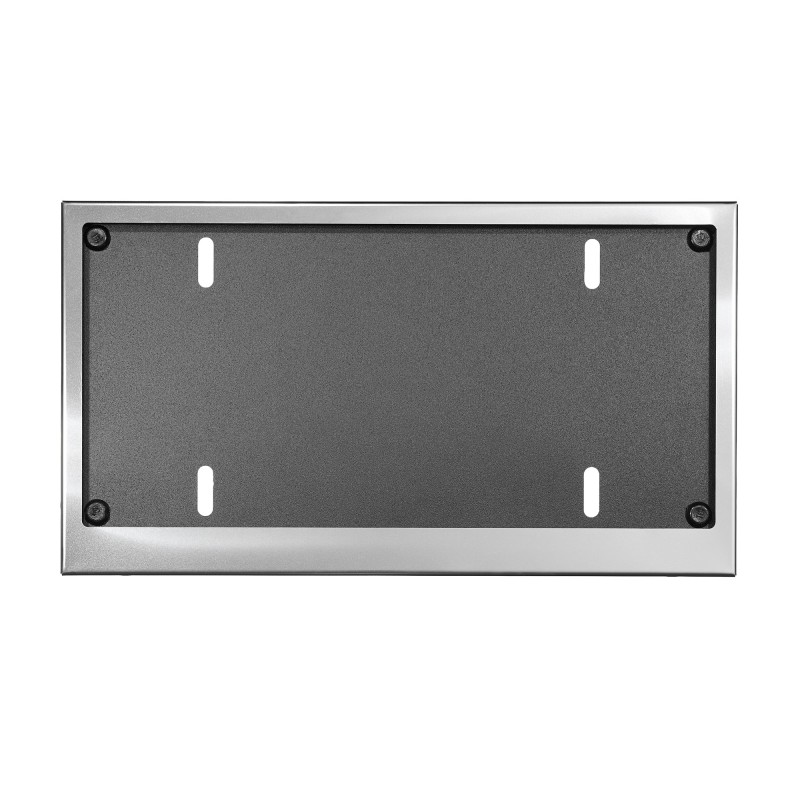


How to use the constructor
1 Choose a frame and layout
Select the category, model, and frame color. In the "Layout" section, choose the configuration: full logos (zones L, C, R) or custom text in the center (zone T) with logos on the sides (L, R).
2 Images and custom text
Click directly on the green zones on the frame itself: zones (L, C, R) — to select logos or upload your own SVG, zone (T) — to enter text. You can easily change the font and its size.
3 Print color & 3D effect
Choose the application technology: standard color or full-color UV printing (CMYK). For black and white frames, an exclusive premium 3D print option is available for a voluminous look.
4 Generation and ordering
Click the "Generate" button to see the final high-quality mockup of your frame. If you like the result — add the product to the cart!
 Car license plate frame (American standard 304x152) (Personalizable)
€27.00
Car license plate frame (American standard 304x152) (Personalizable)
€27.00
 Car license plate frame (European standard 520x110) (Personalization possible)
€27.00
Car license plate frame (European standard 520x110) (Personalization possible)
€27.00
 Motorcycle license plate frame (French standard 210x130) (Personalization possible)
€24.00
Motorcycle license plate frame (French standard 210x130) (Personalization possible)
€24.00
Depends on frame color
3D printing is available for black and white frame colors
Choose how the system should process the colors of this logo: